
Most people who use AI at work use it as a writing assistant: draft this email, summarize this doc, clean up this paragraph. That's useful, but it barely touches what's actually slowing a small team down, which is usually the repetitive stuff nobody wants to do by hand: reading urgent emails fast enough, logging who said what to which client, and turning a pile of meeting notes into an actual to-do list. Here's what Workspace Studio is, what it costs, what it can build, and where it breaks.
What Is Google Workspace Studio? The Automation Tool Hiding Inside Your Gmail Subscription
Most small business owners pay for Gemini every month and only use it to draft emails. Google Workspace Studio is the part of that same subscription that can actually watch your inbox, log your client conversations, and turn meeting notes into a task list on its own.
Recommendations reflect the recommender's genuine experience. Community members may earn giveaway entries for participating.
In this article
- What Is Google Workspace Studio
- How Is It Different From Just Asking Gemini a Question
- How Does Workspace Studio Actually Work
- What Does Workspace Studio Cost
- What Can a Business Actually Automate With It
- 1. An Instant Summary the Moment an "Urgent" Email Lands
- 2. A Communication Log That Builds Itself
- 3. Turning Meeting Notes Into an Actual Task List
- What Can't Workspace Studio Do
- It Doesn't Understand Your Org Chart
- It Can't Build Real Conditional Logic on Its Own
- It Has Real Rules About What It Can Read
- It Can't Reach Outside Google Without a Bridge
- How Does Workspace Studio Compare to Zapier and n8n
- What Is NotebookLM For, and How Is It Different From Workspace Studio
- Is It Worth Setting Up
What Is Google Workspace Studio?
Google Workspace Studio is Google's built-in automation builder for Workspace. You describe what you want automated in plain English, something like "when I get an email marked urgent, summarize it and post it in our team chat," and Gemini builds the workflow for you. Google calls these workflows "flows." Once a flow is running, it keeps working in the background without anyone opening it again.
How Is It Different From Just Asking Gemini a Question?
Asking Gemini something in Gmail or Docs gets you a one-time answer. Workspace Studio builds something that keeps running: a trigger (a new email, a new row in a Sheet, a form response) followed by one or more steps that happen automatically every time that trigger fires. You set it up once, and it repeats on its own.
How Does Workspace Studio Actually Work?
Every flow has two parts: a starter and a set of steps. The starter is the event that kicks things off, like a new email landing or a Google Form getting submitted. The steps are what happens next: asking Gemini to summarize something, posting a message in Chat, saving a file to a Drive folder, or logging a row in a Sheet. You can describe the flow you want and let Gemini build it, or start from one of Google's pre-built templates and adjust it.
What Does Workspace Studio Cost?
Workspace Studio is included at no additional cost on Google Workspace Business Standard and above, the same plans that already bundle Gemini into Gmail, Docs, Sheets, and Meet. There's no separate subscription for it. Business Starter, the cheapest Workspace plan, only gets limited Gemini access in Gmail and doesn't include the same reach into Studio's flows.
What Can a Business Actually Automate With It?
These are the ideas that came out of Genbert Dacudao's walkthrough of Workspace Studio, adapted for what a small service business runs into every week.
1. An Instant Summary the Moment an "Urgent" Email Lands
A flow can watch your inbox for key phrases like "urgent" or "broken," summarize the message with Gemini the moment it arrives, and post that summary straight to your team's Chat space. Nobody has to dig through an inbox to figure out what needs attention first. This works well for support requests, time-sensitive client messages, and approval requests that tend to get buried under everything else. The upside is speed: a team that sees the summary in Chat within seconds responds faster than one that finds it three hours deep in an inbox.
2. A Communication Log That Builds Itself
Instead of a team manually updating a shared tracker every time they talk to a client, a flow can log that activity automatically into a Sheet as it happens. That gives a clearer, always-current view of which clients have open conversations, which requests are still waiting on a reply, and where something has gone quiet longer than it should have. It replaces the tracker nobody has time to update by hand, which usually means it replaces a tracker that was already three weeks out of date.
3. Turning Meeting Notes Into an Actual Task List
Most teams already have call notes, recap docs, or meeting transcripts sitting in Drive. The problem is that they just sit there. A flow can pull from those documents, pick out next steps, owners, and deadlines, and turn them into an actual task list instead of a paragraph nobody re-reads. This is the difference between a meeting that produces a document and a meeting that produces action.
What Can't Workspace Studio Do?
Most coverage of Workspace Studio lists what it can build. Here's what Google's own documentation admits, and where outside hands-on testing has found it falls short.
It Doesn't Understand Your Org Chart
In hands-on testing of an approval workflow, Studio couldn't automatically identify a submitter's manager, since it has no built-in directory integration. If a flow needs to route something based on who reports to whom, that step still needs to be built manually, name by name.
It Can't Build Real Conditional Logic on Its Own
The same testing found that multi-step approval routing, like "send to a manager first, then to marketing for a second sign-off," isn't something Studio handles out of the box. It's built for a trigger and a set of steps, not branching decision trees.
It Has Real Rules About What It Can Read
Google's own guidance for building flows states that requests need to be entered in English, that Gemini can only follow links to files in Drive or other websites, and that it can't use links to calendar events or Meet recordings. People need to be specified by email address rather than an @mention, and external apps and add-on steps should be avoided for now. None of that is a dealbreaker, but it does mean a flow built around a Meet recording or an org @mention will quietly fail.
It Can't Reach Outside Google Without a Bridge
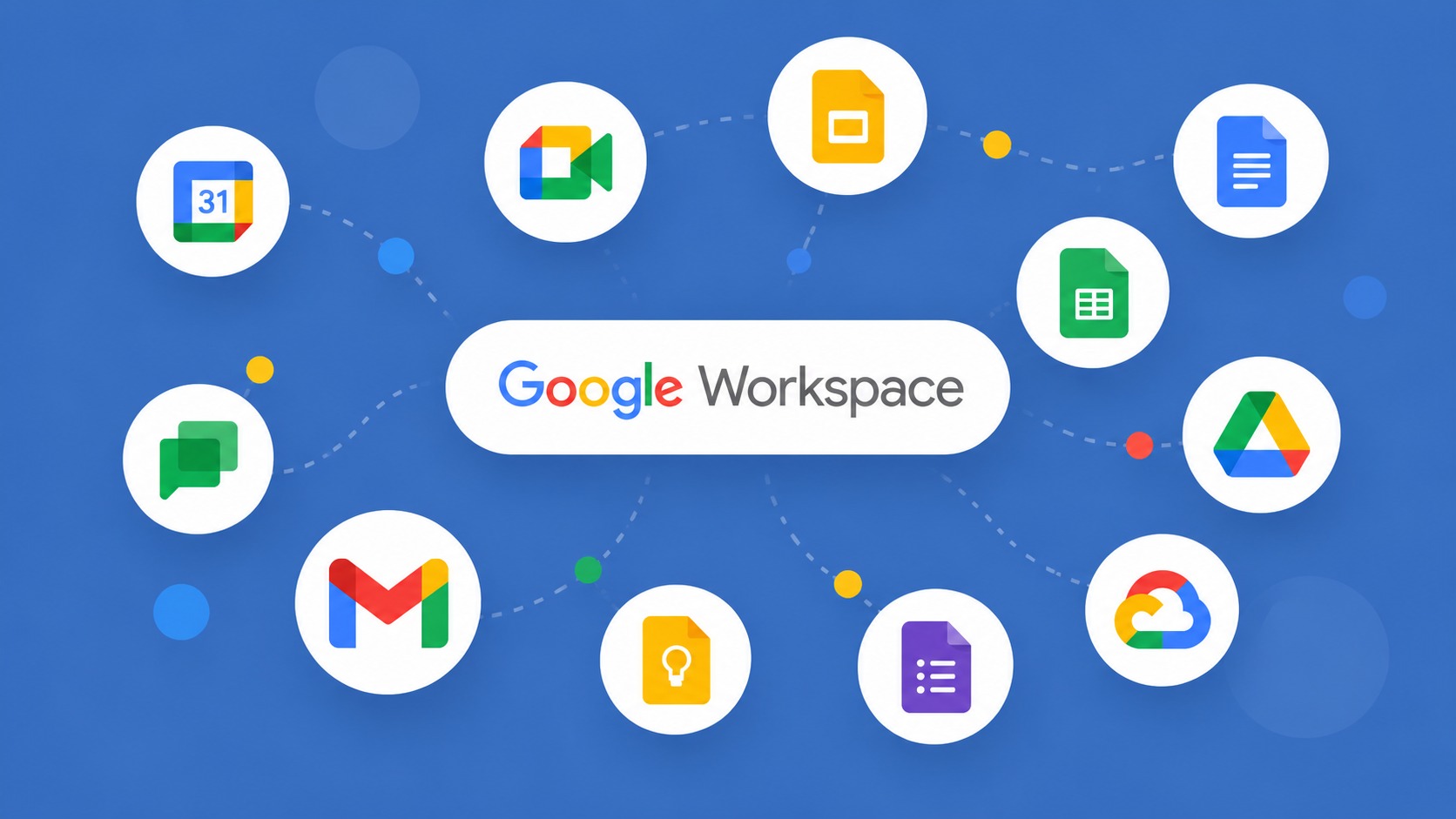
Studio connects natively to Gmail, Docs, Sheets, Drive, Chat, and Calendar, and Google has been adding third-party connectors for tools like Jira and HubSpot. But for anything outside that growing list, like pulling an order from Shopify or updating a CRM Google doesn't yet connect to, Studio isn't the tool. That's a job for something like Zapier or n8n.
How Does Workspace Studio Compare to Zapier and n8n?
Workspace Studio wins on simplicity for anything happening inside Google's own apps. There's nothing to connect, no API keys, and you describe the workflow instead of dragging boxes on a canvas. Zapier and n8n exist for what Studio can't reach yet: third-party apps, custom API calls, and more complex branching logic.
Zapier is the easier of the two to pick up, with a much larger library of ready-made app connections built for non-technical users. n8n asks more of the person building it, since it often requires writing small bits of code, but it gives a technical team far more control over complex or high-volume workflows.
The practical split: use Workspace Studio for anything that lives inside Gmail, Docs, Sheets, and Chat. Reach for Zapier or n8n only once a workflow needs to touch a tool outside Google's ecosystem.
What Is NotebookLM For, and How Is It Different From Workspace Studio?
Workspace Studio moves work forward. NotebookLM makes existing knowledge usable. Most small teams don't struggle from a lack of information, they struggle because that information is scattered across a dozen docs, folders, and old email threads nobody wants to search through again.
NotebookLM lets a team upload documents, whether that's proposals, SOPs, past client history, or meeting notes, and ask direct questions grounded only in that material. Instead of hunting through folders, someone can just ask what they need to know.
Teams can build separate notebooks by client or project and use them as a working reference instead of a passive archive. NotebookLM is free to use with any Google account, with paid tiers bundled into Google's AI subscription plans starting at $7.99 a month, or included as part of Workspace Business Standard and above.
Is It Worth Setting Up?
A year ago, automating a business without a developer meant learning a third-party tool from scratch. Now, if the work already lives inside Gmail, Docs, and Sheets, it doesn't. The businesses that get ahead here won't be the ones with the fanciest AI stack. They'll be the ones who stop treating Gemini as a writing assistant and start pointing it at the repetitive work that's been sitting there the whole time.
Neighbors ask
No. You describe what you want automated in a plain English sentence, similar to how you'd explain the task to a new hire, and Gemini builds the flow for you. You can also start from one of Google's pre-built templates and adjust it without touching any code. The parts that do require more care are the ones with real logic behind them, like conditional approvals, which may need a bit of trial and error to get right even without writing code.
Latest from the Newsroom

Share this story
Every share earns one giveaway entry.
Contact Google
Recommend someone
Know a business as good as Google?
Tell us who they are and why you trust them, and it could become their next feature story.
For business owners
Your business could be the next story we tell.
A written feature, a printed copy mailed to you to display, and a permanent spot in the directory.
Get featured
Free 15-minute interview.
More stories
All articles
Attractions & Entertainment · 3 min read
Oklahoma Slingshot Rentals Built a Three-Wheel Thrill Business in OKC

· 4 min read
Top Recommends Founder Craig Wallace Featured in VoyageTampa's Hidden Gems Series

Home Services · 5 min read
The H2O Heroes Brings Free Water Testing and Filtration to Sarasota and Beyond

Construction · 3 min read
Veteran Epoxy Solutions Installed More Than 100 Floors Across Tampa Bay

Dental Clinic · 3 min read
Renew Dental Loft Sees One Patient at a Time, Seven Days a Week

Photography · 3 min read
All Angles REM Built a Real Estate Media Business on One Guarantee

Art Gallery · 4 min read
Top Recommends Anna Maria Island: Alanna Kelly of Cove

Marketing · 3 min read
Kevin St John Built Businesses Before He Ever Coached One

AI & Tech · 7 min read
Why Local Businesses Are Losing Customers to AI Search And Don't Even Know It
AI & Tech · 7 min read
Claude Code: The AI That Cuts Web Development Time Without Writing Code